

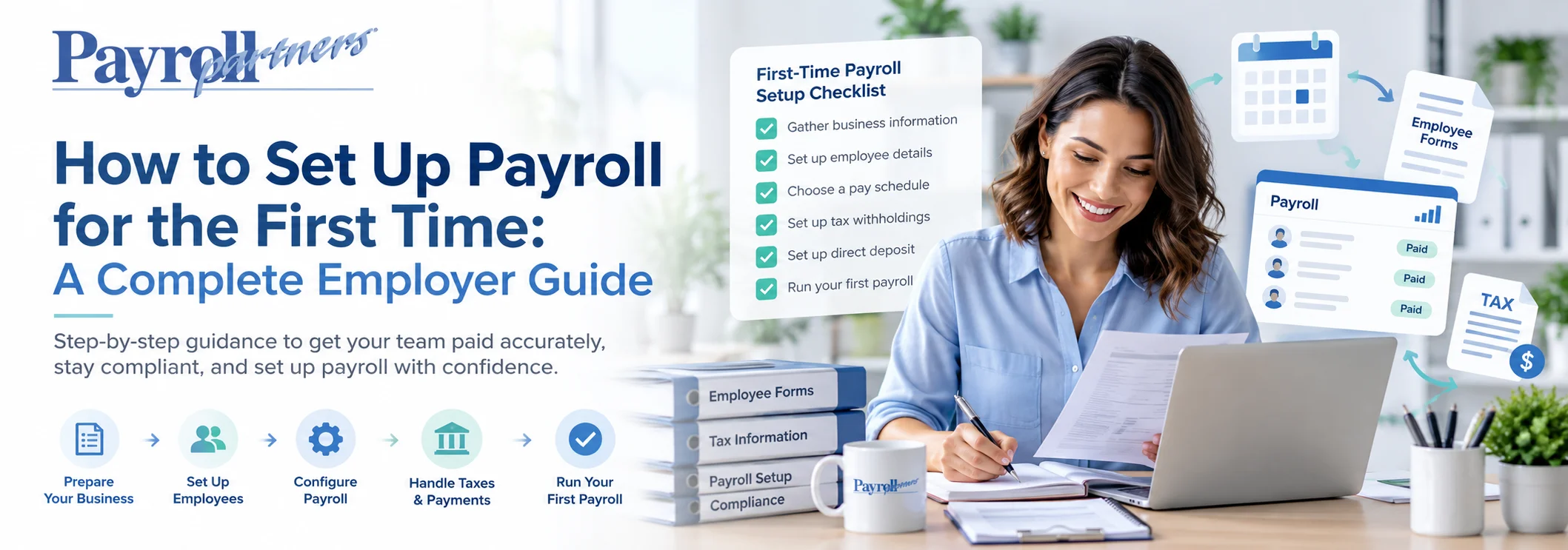

To set up payroll for the first time, you will need an EIN, employee information, a pay schedule, payroll tax setup, and a reliable process for calculating pay, filing taxes, and keeping records. For first-time employers, payroll can be complicated. This guide walks you through the key steps and explains how professional payroll support simplifies the process.
Hiring your first employee is a big milestone for any organization. But once you have staff on your team, payroll is a critical job. You must pay employees correctly, withhold the right taxes, maintain payroll records, and comply with federal and state standards. If you are setting up payroll for the first time, the procedure can be daunting. The good news is, you can break it down into simple steps. Here’s a quick and simple guide to help you understand how to set up payroll for your business.
Table of Contents
- Get an Employer Identification Number (EIN)
- Understand Your Federal & State Payroll Requirements
- Collect the Required Employee Information
- Choose Your Pay Schedule
- Set Up Employee Pay & Payroll Deductions
- Set Up Time Tracking
- Calculate & Deposit Payroll Taxes
- Keep Accurate Payroll Records
- Complete Year-End Payroll Reporting
- Decide Whether to Handle Payroll Yourself or Get Help
- Make Your First Payroll Easier
- Frequently Asked Questions
- External Research & Authority Sources
1. Get an Employer Identification Number (EIN)
Before you start processing payroll, make sure your business has an Employer Identification Number (EIN) from the IRS. An EIN is a federal tax ID number used to identify your firm for tax purposes. Most businesses need an EIN when they hire workers.
If you do not currently have an EIN, you can apply for one directly through the IRS. You need to verify the accuracy and completeness of the business information you have with the proper government agencies.
2. Understand Your Federal & State Payroll Requirements
Payroll is far more than just calculating an employee’s paycheck. Employers may have an obligation to withhold federal income tax, Social Security, Medicare, federal unemployment tax, and other employment taxes.
State and local requirements vary depending on the location of your firm and employees. Understand what federal, state, and local laws apply to your firm before you process your first payroll. This is especially crucial if you have people working in more than one state.
3. Collect the Required Employee Information
Before you can add each employee to your payroll system, you’ll need to collect some information. New staff members are usually asked to complete:
- Form W-4, Employee’s Withholding Certificate
- Form I-9, Employment Eligibility Verification
- Employee identification and contact information
- Pay rate or salary information
- Direct deposit information, if applicable
- Benefits and other applicable payroll information
The information on Form W-4 is used to determine the amount of federal income tax withholding from an employee’s pay. Keep employee payroll information structured and secure, since you’ll use it throughout the employment relationship.
4. Choose Your Pay Schedule
Your business, cash flow, employee requirements, and applicable state restrictions may affect your decision. Decide on a timetable and then set and stick to specific pay periods and pay dates. Standard payroll calendars include:
- Weekly
- Biweekly
- Semi-monthly
- Monthly
For example, if you choose a biweekly payment plan, employees are usually paid every other week. Your payroll system needs to show a clear record of each pay period’s start and end.
5. Set Up Employee Pay & Payroll Deductions
Your payroll system needs to calculate each employee’s gross pay and the correct deductions. This can include normal hours, overtime hours, and other qualified wages for hourly employees. For salaried employees, calculations usually use their salary and pay frequency. You may also need to account for:
- Federal income tax withholding
- Social Security and Medicare taxes
- State and local taxes, where applicable
- Health insurance premiums
- Retirement contributions
- Other authorized deductions
Typically, employers determine federal income taxes based on the employee’s Form W-4 and IRS withholding techniques. Employers also usually withhold and pay their portion of Social Security and Medicare taxes.
6. Set Up Time Tracking
Payroll requires proper time monitoring if you have hourly or nonexempt employees. Employees may be required to document:
- Hours worked
- Overtime
- Breaks, where applicable
- Paid time off
- Holidays
- Other applicable leave
Federal law requires some employers to keep records of employees’ compensation and hours worked. A time and attendance system simplifies this process by tracking staff hours and helping move accurate information into payroll.
7. Calculate & Deposit Payroll Taxes
One of the most crucial parts of payroll is doing the employment taxes correctly. Depending on your situation, you may need to withhold, report, and pay federal employment taxes, including federal income tax, Social Security, Medicare, and FUTA taxes. Deposit requirements vary by business and the amount of tax withheld.
Missing a tax deadline or providing wrong information can cause extra trouble for your business. So many businesses use trusted payroll software or hire a professional payroll company to help with payroll tax calculations, filings, and deposits.
8. Keep Accurate Payroll Records
Good record-keeping is vital. Payroll records may include employee information, hours worked, pay rates, wages, overtime, deductions, and payment dates. The Fair Labor Standards Act requires covered firms to keep certain pay and hour records under the Department of Labor.
Keep payroll records organized and secure, and make sure your business knows which federal and state recordkeeping standards apply.
9. Complete Year-End Payroll Reporting
Payroll jobs don’t finish when the pay period does. Typically, companies must complete Form W-2 for their employees and provide the Social Security Administration with pay and tax information reports by year-end.
Your payroll system should help you keep track of the information you need throughout the year, making year-end reporting easier and more accurate.
10. Decide Whether to Handle Payroll Yourself or Get Help
Some small business owners handle payroll themselves, especially when they have only a few employees. Others prefer payroll software or go with an affordable small business payroll service. Consider getting professional help if:
- You are hiring employees for the first time
- Payroll taxes are becoming difficult to manage
- You have employees in multiple states
- Your business is growing
- You are spending too much time on payroll administration
- You want help with HR, benefits, or time tracking
An expert payroll provider near you can manage payroll processing, tax filings, employee payments, time and attendance, and other payroll-related tasks.
Make Your First Payroll Easier
Setting up payroll for the first time requires careful attention; you don’t have to do it alone. The correct payroll process can save time and reduce the risk of costly mistakes in setting up employees, processing payroll, submitting taxes, tracking time, and managing employee benefits.
Payroll Partners offers practical, individualized support for businesses of all sizes in managing payroll and other HR concerns. If you’re hiring your first employee or managing a large team, expert payroll help can free up time to focus on running your business. Ready to make payroll easier? Contact Payroll Partners today to find out how payroll services help your business.
Starting payroll does not have to mean building every process from scratch. Payroll Partners can help organize employee setup, payroll processing, tax filings, timekeeping, HR, and benefits into a system that is easier to manage from the first payday forward.
What is predictive analytics in payroll?
Predictive analytics in payroll uses historical payroll and workforce data to estimate future outcomes such as labor costs, overtime, staffing demand, or turnover-related pressure. It is a forecasting tool, not a guarantee, and results should be reviewed alongside current business plans.
What is the difference between payroll reporting and predictive payroll analytics?
Payroll reporting explains what has already happened, such as wages paid, overtime used, or taxes recorded. Predictive analytics uses those historical patterns to estimate what may happen next and can support budgeting and workforce planning.
Can predictive analytics help reduce overtime costs?
It can help identify when and where overtime has historically increased and which conditions tend to occur before those increases. Managers can use that information to review schedules, staffing levels, or operating plans before overtime becomes a larger budget issue.
How much payroll history is needed for forecasting?
There is no single minimum that works for every business. More consistent history can make recurring patterns easier to identify, but data quality, seasonality, business changes, and the specific question being forecast are often more important than simply having a large dataset.
Does Payroll Partners provide reporting that can support workforce planning?
Payroll Partners provides payroll processing and access to payroll reports along with time and attendance, HR, employee benefits, and related services. Businesses can use organized payroll and workforce information as part of budgeting and planning, while the specific analytics capabilities needed should be discussed with the Payroll Partners team.
External Research & Authority Sources
- Internal Revenue Service — Publication 15 (2026), Employer’s Tax Guide
- Internal Revenue Service — Employment Tax Recordkeeping
- U.S. Department of Labor — Fact Sheet #21: FLSA Recordkeeping Requirements
- U.S. Citizenship and Immigration Services — Form I-9 Instructions
- Social Security Administration — W-2 Filing Deadlines